

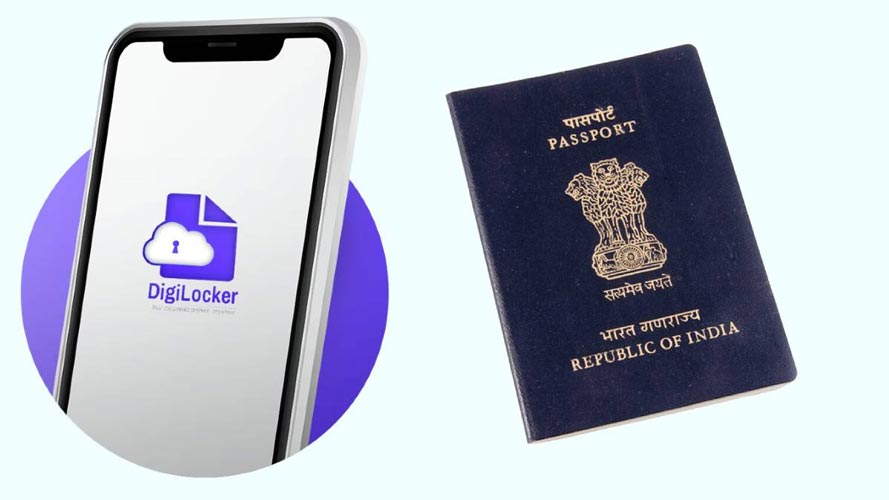
In the digital era, government services have been undergoing a digital transformation to improve the convenience of the people. A recent invention is Digilocker, a site that will enable people to save crucial documents safely. One of such documents is the Digilocker passport, which is crucial for the Indian citizens. In this article, you’ll learn how to use your Digilocker passport and use it for official purposes, and how to register for a Digilocker account as well.
What is Digilocker?
Digilocker is a cloud based storage system introduced by the Government of India as part of the “Digital India” initiative. This platform is an initiative to provide a digital repository of uploaded, shared and accessed documents to Indian citizens. It is used for different official papers such as educational certificates, driving licences and more importantly, passports.
Why is it beneficial to have a Digilocker Passport?
The process and the carrying of your passport, if you need to, is made easy by the Digilocker passport. The Digilocker passport is a virtual version of your passport that is lightweight and easy to share whenever required. Here are some of the advantages:
Security: Your documents are safe in the cloud, and less prone to loss or damage.
Accessibility: Be able to access your passport from anywhere, anytime with a mobile phone or computer.
Ease of Sharing: Passport is shared electronically for verification, rather than physically.
To create a Digilocker account, follow the steps below:
To be able to access your Digilocker passport, you need to create a Digilocker account. Here are some simple steps to follow:
Step 1: Go to Digilocker Website or Download the App
You can either visit the official site or download the Digilocker application from Google Play store and Apple App store.
Step 2: Click on “Sign Up”
On the homepage, click on the “Sign Up” link to make an account.
Step 3: Enter Your Mobile Number
Enter your cell phone number (this will be used to verify). Ensure your number is linked with your Aadhaar card, to make the registering process easier.
Step 4: Check Your Mobile Number
Make sure you have typed in your mobile number correctly and that it’s the right one.
A One Time Password (OTP) will be sent to your cell phone. For confirmation of your mobile number, please enter this OTP.
Step 5: Fill Out Your Profile
When it is verified, it will ask you to put your personal information such as name, e-mail address, optional Aadhaar number. Set up a secure password to complete your account.
Step 6: Accept Terms and Conditions
Read Terms and Conditions and agree to them to proceed.
Step 7: Log in to Your Account
Once you have successfully created your account, you can now log into your account through your mobile number and password.
Log in to Your Digilocker Passport
With a Digilocker account, you can easily access your Digilocker passport. The steps are as follows:
Step 1: Log in to Your Digilocker Account
Enter your credentials and log in to your Digilocker account using the mobile app and/or website.
Step 2: Go to “Issued Documents” Section
After logging in, you will see the “Issued Documents” tab or part. All the documents issued by various government authorities are included in this section.
Step 3: Search for Your Passport
In the “Issued Documents” section, use the search bar to find your passport. You can find it using the type-in on the screen “passport”.
Step 4: Download and View Your Passport
After locating your passport, you can view or download it as a PDF. If needed, complete the Digilocker create account process first to access your passport.
How to Use Your Digilocker Passport for Official Purposes
Passports made in your Digilocker can be used for multiple official activities. Here are some of the potential positive ways:
1. Travel Verification
You may be required to present your passport for identification when traveling. A Digilocker passport is a valid passport.
2. Identity Proof
The Digilocker passport can be used as an identity card proof for many transactions including opening a bank account, loan application, etc., at government offices etc.
3. Job Applications
Many employers ask for identification when applying for jobs. Your passport stored in Digilocker can serve as a reliable form of ID.
4. Government Services
Services provided by the government may need identification, which you can easily show using the Digilocker passport.
Security Features of Digilocker
Security is a key priority for Digilocker. This will keep your documents, such as passport, safe on the platform with the following features:
- Two Factor Authentication: It is common that users must also enter their cell phone number when they log in.
- Encrypted Storage: All documents uploaded are encrypted in order to prevent unauthorized access.
- Secure Environment: The platform has robust security measures to protect personal data.
Conclusion
Accessing your Digilocker passport is not just about having a digital copy of an essential document; it’s about embracing a more efficient way of managing important papers in today’s fast-paced world. Establish a Digilocker account to grant yourself the digital documentation piece of convenience. The secure and manageable Digilocker passport for identity verification can easily be used for various official purposes. As digital solutions grow more ubiquitous, platforms such as Digilocker will increasingly influence and drive the way people access and use their essential records, helping to simplify and organise their lives.
With the steps outlined above, there’s no reason you can’t easily access and use your Digilocker passport and live up to the saying of “in the digital age, convenience is just a click away.
Read More: How Generative AI Technology Can Transform Enterprise Operations
